
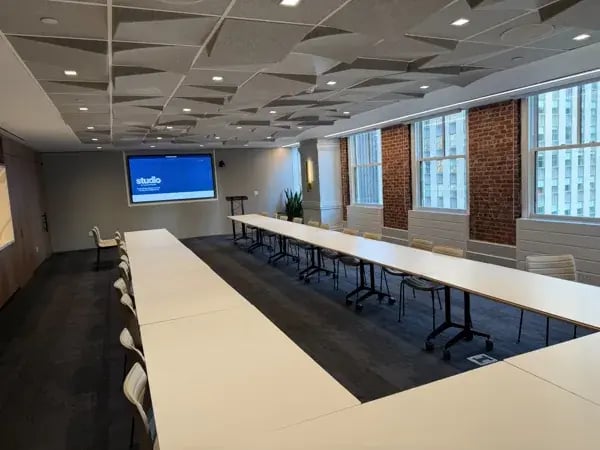
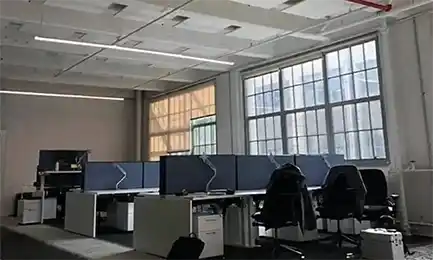
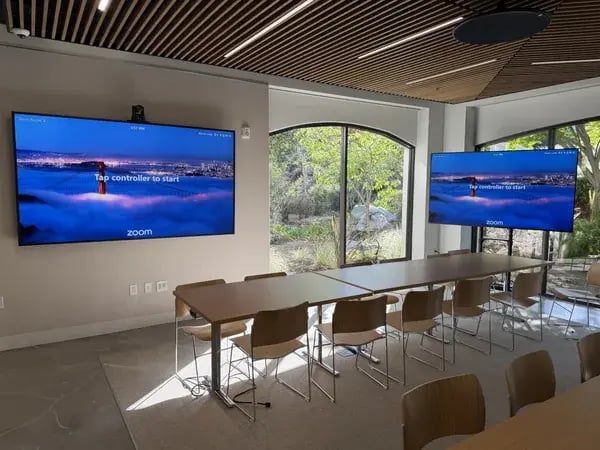

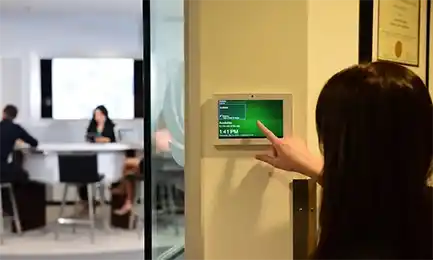

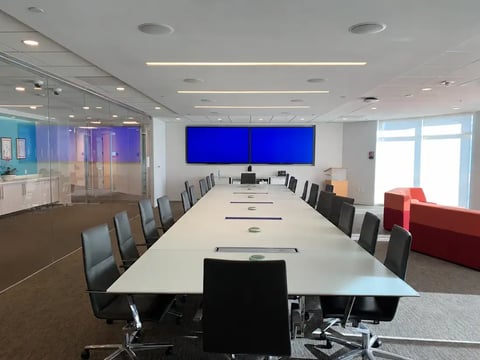
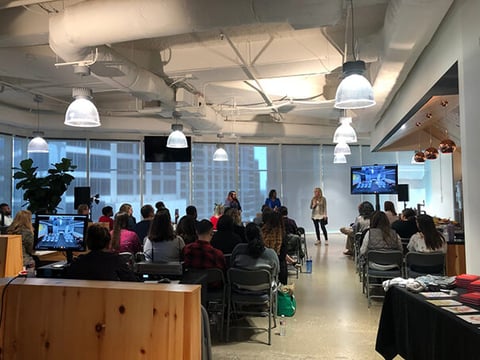
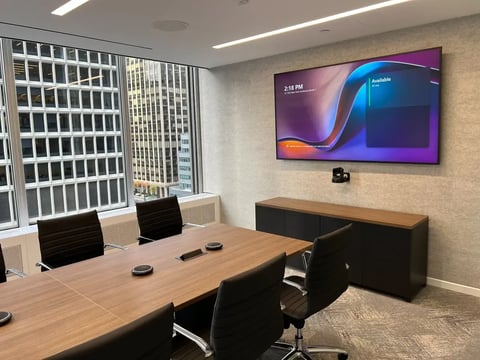
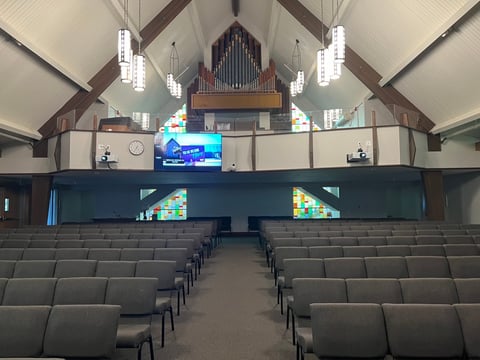
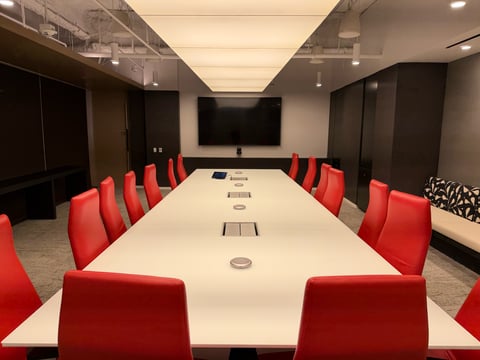
A video bar can simplify a conference room. A custom AV system can give a complex space the coverage and flexibility it needs. The right choice depends on the room layout, acoustics, meeting platform, and what people actually do in the space.
For businesses planning a conference room upgrade, the decision should start with those requirements—not a list of equipment. Here is how to compare the options, including current Logitech and Neat video bars.
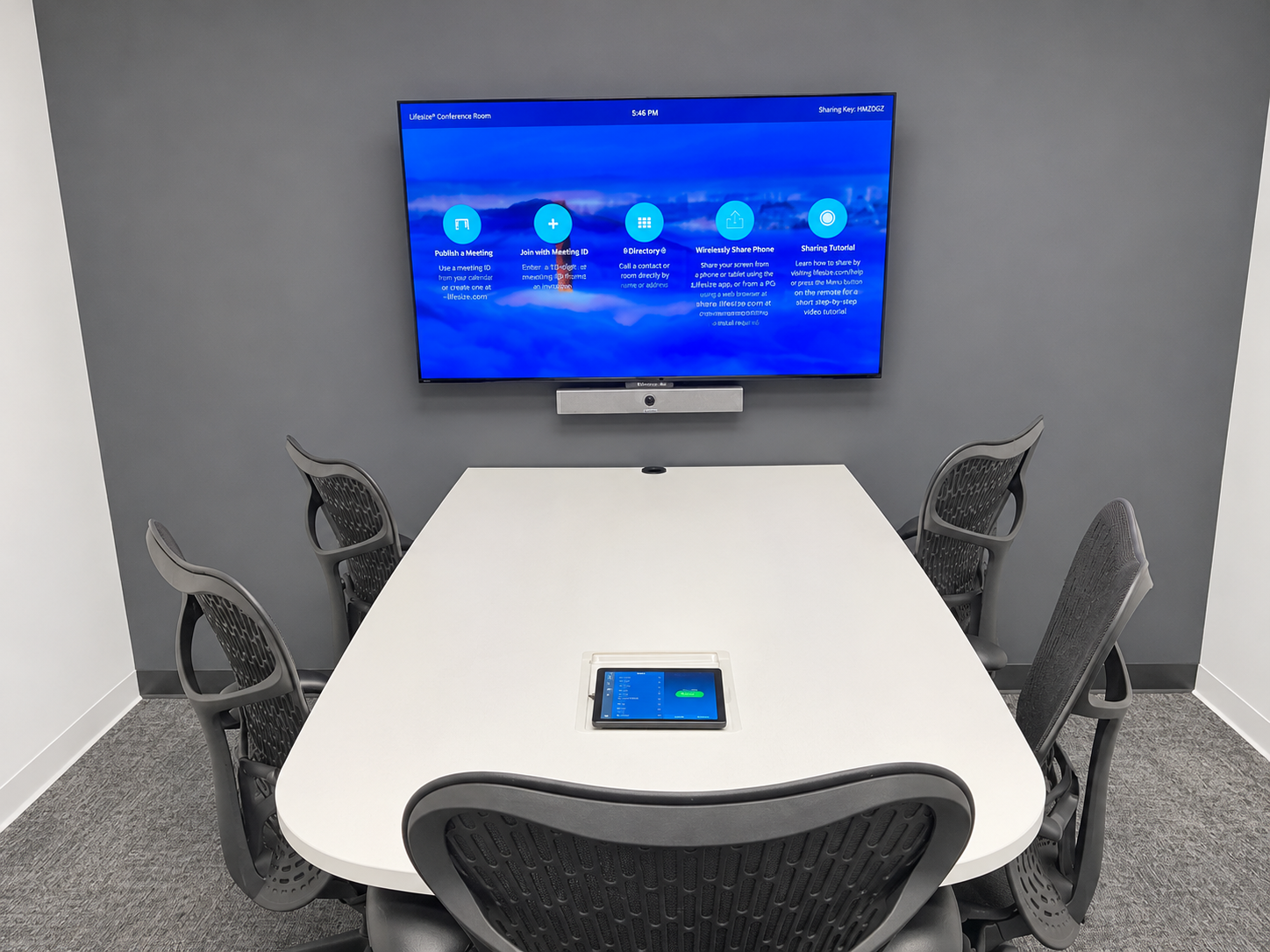
What is a video bar?
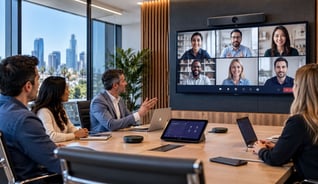
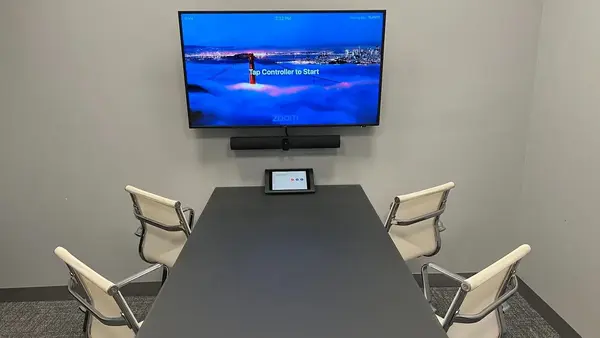
A video bar combines a camera, microphones, and speakers in one enclosure, usually mounted above or below a display. Some models also include the computing platform for a dedicated room system. Others connect to a laptop or separate room computer.
That distinction matters. A USB video bar does not automatically create a standalone Microsoft Teams Room or Zoom Room. The complete design may also need a controller, room computer, licenses, displays, network connections, and mounting accessories.
When does a video bar make sense?
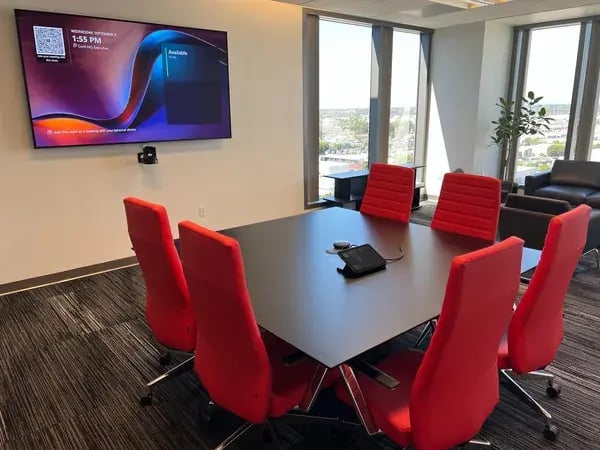
A bar is worth evaluating when the room has a predictable seating layout, a clear view of the participants, and meeting requirements that fit the product’s supported configuration. It can reduce the number of separate components and help create a familiar experience across several rooms.
- Huddle rooms and conventional conference rooms.
- Teams or Zoom meetings with straightforward content sharing.
- Offices seeking repeatable room designs and centralized device management.
- Spaces where supported expansion microphones or companion cameras can address coverage needs.
Room capacity alone is not enough to choose a model. Eight people around a compact table present a different challenge from eight people spread across a long, reflective room.
Current Logitech video bars to consider
Logitech’s lineup spans laptop-connected spaces and dedicated meeting rooms. The following is a starting point for design discussions, not a substitute for checking the complete configuration.
- MeetUp 2: A USB video bar to evaluate for smaller meeting spaces using a laptop or separate compute.
- Rally Bar Huddle: Designed for huddle and small rooms.
- Rally Bar Mini: Positioned for small to medium rooms.
- Rally Bar 2: Logitech’s newest video bar, announced October 8, 2026, for medium to large rooms. Logitech identifies upgraded processing, a one-inch camera sensor, and Right Sound 3 audio among its features.
Supported accessories can extend a bar-based design, but compatibility depends on the exact model, software, and deployment mode. Confirm the complete bill of materials rather than assuming accessories transfer between generations.
Logitech has also announced Rally System 2 Pro for larger, more complex environments. Its announced availability is summer 2027, so it should be treated as a future planning option rather than equipment for an immediate installation.
Current Neat video bars to consider
Neat offers several distinct paths. Its current product pages distinguish the original Neat Bar’s BYOD offering from the dedicated-room positioning of Generation 2.
- Neat Bar Generation 2: A current option for dedicated Zoom or Microsoft Teams rooms, with an integrated audio and video design.
- Neat Bar Pro: Neat’s larger-room bar, with a wide and telephoto camera system and participant framing capabilities.
- Neat Bar BYOD: An option for meetings driven from a user’s laptop. Neat recommends Generation 2 when specifying a dedicated Zoom or Teams room.
Choosing between Generation 2 and Pro requires more than comparing cameras. Evaluate participant distance, table geometry, room sound, platform requirements, and the supported expansion options for the proposed design.
When should you consider a custom AV system?
A custom system uses separately selected components such as cameras, microphones, loudspeakers, audio processing, video distribution, and room controls. It lets the design follow the room’s requirements.
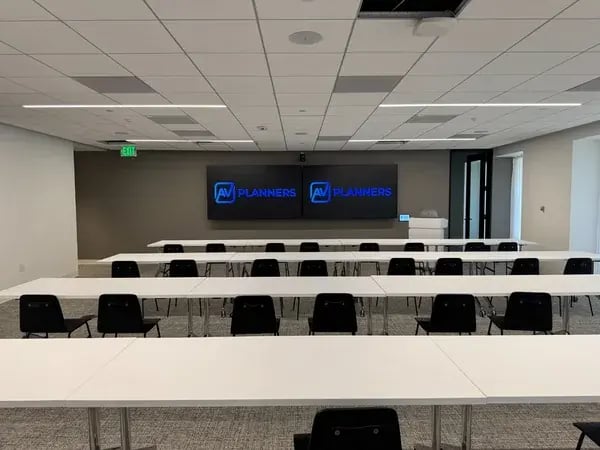
That flexibility becomes useful when a space needs multiple camera angles, distributed microphone coverage, presentation microphones, several displays, or different operating modes. Divisible training rooms and multipurpose spaces often need additional routing and control planning.
A custom design also carries responsibilities: coordinated engineering, programming where required, commissioning, user training, and documented support. More equipment does not automatically mean better results.
Video bar versus custom AV: a practical comparison
| Requirement | Video bar approach | Custom AV approach |
|---|---|---|
| Conventional meeting layout | Often a practical starting point | Useful when requirements exceed supported bar configurations |
| Microphone coverage | Built-in microphones and supported expansion | Microphones selected and positioned for specific coverage |
| Camera coverage | Integrated camera and supported companion devices | Multiple camera positions and switching options |
| Divisible or multipurpose room | Evaluate capabilities carefully | Can support tailored routing and room modes |
| Budget comparison | Price the complete installed solution | Price engineering, equipment, commissioning, and support |
How to standardize AV across multiple rooms and offices
When you are outfitting several rooms, define the meeting experience before choosing the equipment. Employees should encounter familiar steps for joining a call, sharing content, adjusting volume, and getting help as they move between spaces.
Create a small set of approved room designs: huddle room, standard conference room, large boardroom, and training or multipurpose room. Each design should document its intended use, equipment, connections, control workflow, and acceptance tests.
- Keep the everyday workflow consistent. Use a common primary meeting platform and similar controller layouts where practical. Plan guest meetings and laptop connections explicitly.
- Match equipment to each room type. A smaller bar and a larger-room model can belong to the same standard. A custom boardroom can follow the same basic joining and sharing workflow while adding the microphones, cameras, and controls it needs.
- Choose a manageable product family. Evaluate Logitech or Neat across the proposed room types. Confirm device-management features, subscriptions, accessory compatibility, and support requirements before committing to a fleet.
- Document the infrastructure. Define network requirements with IT, along with cable labeling, room naming, accounts, licensing, and installation documentation.
- Pilot before expanding. Test a representative room with real users and remote participants. Resolve audio, camera coverage, guest access, and usability issues before repeating the design.
- Plan ongoing ownership. Assign responsibility for updates, monitoring, spare equipment, staff training, and escalation. Use the same commissioning checklist at each location.
For example, an office might use bars in its everyday meeting rooms and a custom system in a divisible training room. Both can follow a common operating standard without forcing equipment into spaces it was not designed to serve.
The goal is a repeatable, supportable experience that fits each room. AV Planners can help develop room standards and a phased rollout plan across offices.
One project, two room sizes
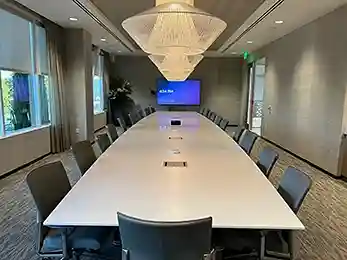
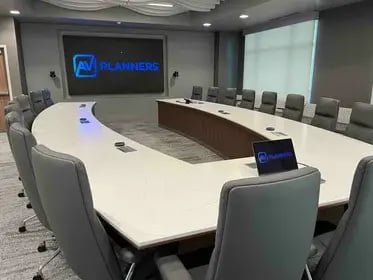
At Yokohama Tire, AV Planners equipped a conference room and a larger boardroom with Microsoft Teams Rooms and Q-SYS integration. Each space uses a room-specific camera and audio configuration, with a shared approach to meeting controls and laptop connectivity.
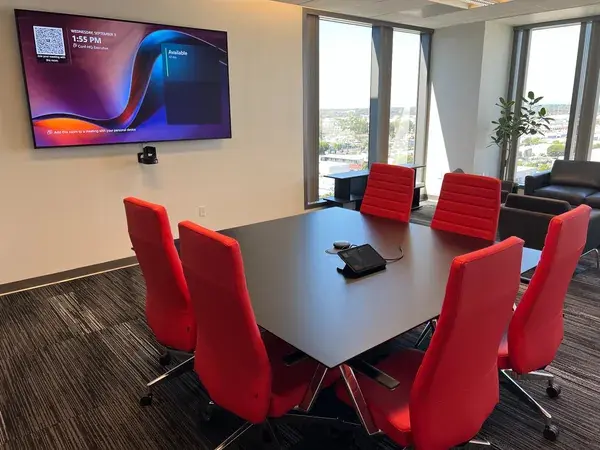
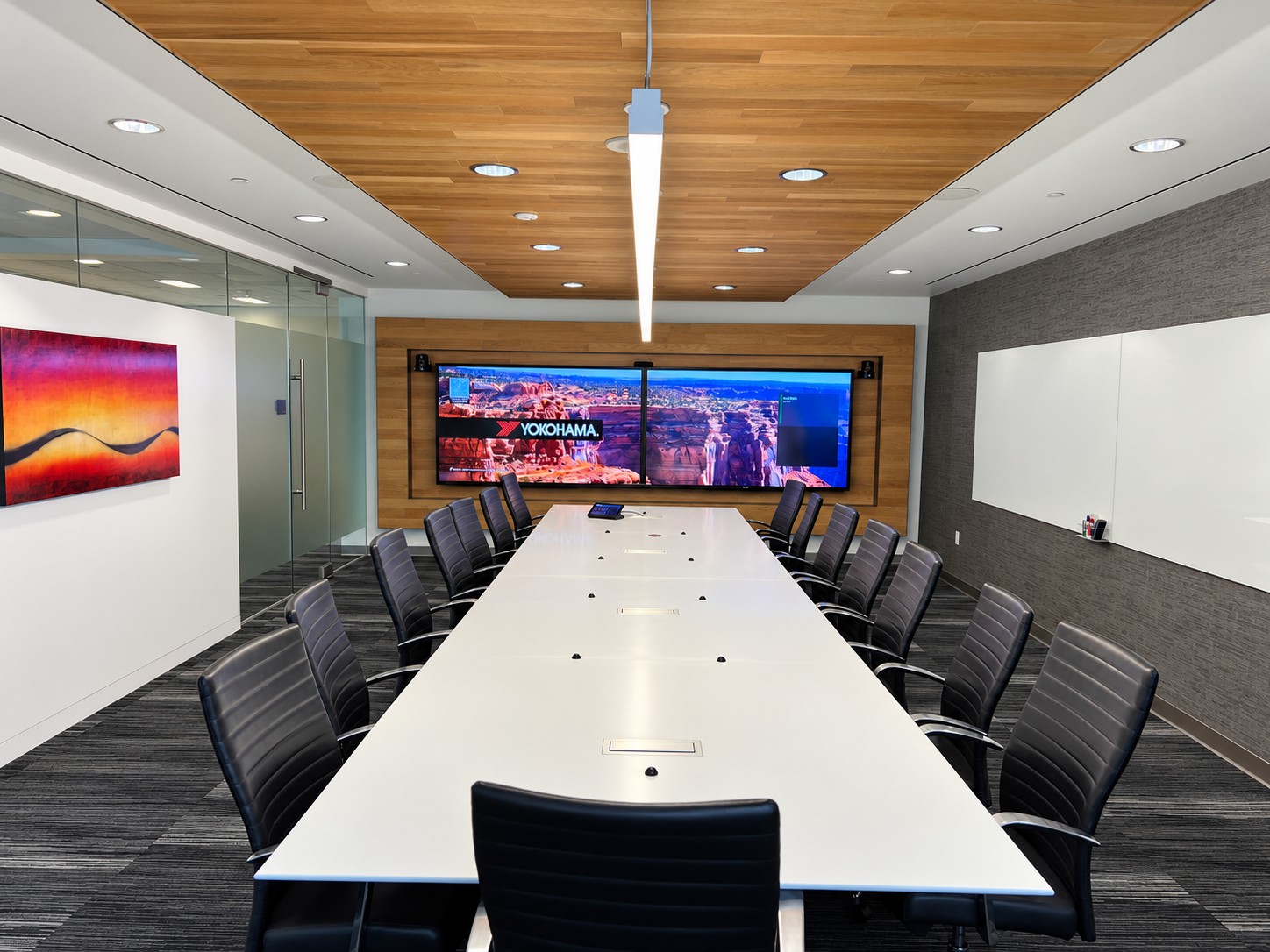
Explore the Yokohama Tire project.
Do not overlook acoustics or ongoing support
Glass walls, hard floors, background noise, and long distances between people and microphones can undermine either approach. Audio processing helps, but physical room conditions still matter.
Before accepting a system, test with someone joining remotely. Check every seating position, normal conversation, content sharing, guest connections, and the room’s regular meeting platform.
Also establish who manages updates, monitors device health, and responds when a meeting fails. A support plan belongs in the initial discussion, alongside equipment selection.
Why work with an AV integrator—even for a simple video bar?
A video bar can simplify the equipment. Making it work well still requires decisions about the room, the people using it, and the systems it connects to. An AV integrator helps you make those decisions before you purchase equipment—and verifies the complete experience after installation.
The value starts with choosing the right level of solution. Your room may need only a well-placed video bar, a display, and a straightforward connection. Another space may need additional microphones, multiple cameras, or custom controls. A good design identifies what is necessary and where a simpler approach will meet the need.
Choose equipment around the room
An integrator evaluates table layout, viewing distances, lighting, background noise, and acoustics. That helps answer practical questions: Will people at the far end be heard? Can the camera frame everyone? Will the display be readable from every seat? Identifying these issues early can help avoid buying equipment that later needs to be supplemented or replaced.
Make the complete system work together
The bar is one part of the meeting experience. Displays, mounting, power, network connections, USB cabling, room computers, controllers, and platform licenses all need to fit the design. An integrator coordinates these details with your IT and facilities teams, checks compatibility, and plans connections that people can use without moving equipment or reaching behind a display.
Test the meeting—not just the equipment
A powered-on camera and a working display are only the starting point. Commissioning should include real calls with remote participants, audio checks from every seat, content sharing, guest laptop connections, and the room’s intended operating modes. For a custom system, it also includes verifying routing, camera switching, and controls. The aim is to uncover problems before your first important meeting.
Give your team a consistent experience and a clear support path
Clear instructions, user training, documented configurations, and an agreed support plan help people use the room confidently. Across multiple rooms, an integrator can establish repeatable designs and workflows while adapting coverage to each space. Define who handles updates, troubleshooting, and support for the complete room as part of the project scope.
The reason to choose an AV integrator is straightforward: you are investing in a room that people can reliably use, not simply purchasing a camera and speakers. Whether the answer is one video bar or a fully custom system, design, integration, and testing connect the equipment to that outcome.
Frequently asked questions
Can a video bar work in a large conference room?
Yes, when its supported configuration fits the layout, camera distances, and audio coverage. Large-room products exist, but the room still needs a design assessment.
Is a custom system always more expensive?
Compare complete project scopes. A bar installation can require displays, controllers, compute, accessories, cabling, licenses, and labor. A custom system’s cost depends on its requirements and complexity.
Can we combine a bar with additional AV equipment?
Sometimes. Supported microphones, cameras, or other interfaces can extend a system. External audio and control integration must be checked for the specific product and platform before purchasing.
Find the right approach for your conference room
AV Planners brings design, engineering, installation, and commissioning together to help you choose a solution that fits your room and budget. From a straightforward Logitech or Neat video bar installation to a custom boardroom or multi-room rollout, we help coordinate the details, test the meeting experience, and plan ongoing support.
Before you order equipment, let’s review your room layout, meeting platform, and how your team needs to work. We can help determine where a video bar is enough and where additional integration will make a meaningful difference.
Plan your conference room with AV Planners.
Product information checked November 3, 2026. Availability, certifications, and supported features should be confirmed for the proposed configuration.
Product references
- Logitech video bar lineup
- Logitech October 2026 announcement
- Neat Bar Generation 2
- Neat Bar Pro
- Neat Bar BYOD
AV Planners is headquartered in Los Angeles and serves all of Southern California. We also work with affiliates in most major markets to support clients with multiple offices and locations.
Read our other posts
Planning a Video Wall? Start With Your Space.
A video wall can become the centerpiece of a corporate lobby, boardroom, or all-hands space. But before choosing a...
Commercial vs. Residential AV Integrators: Choosing the Right Partner for Your Business
If you’re upgrading a conference room or opening a new office, you may wonder whether the company that installed...
From Elvis to the Executive Boardroom: 100 Years of Shure Microphones
Few names in professional audio have the history and recognition of Shure. From the unmistakable chrome...
Conference Room Automation: A Guide to Smarter Corporate Meeting Spaces
Modern conference rooms are no longer simply spaces with a display, speakers, and a videoconferencing system....