

-new.webp?width=389&height=260&name=network-switch-with-cables%20(2)-new.webp)
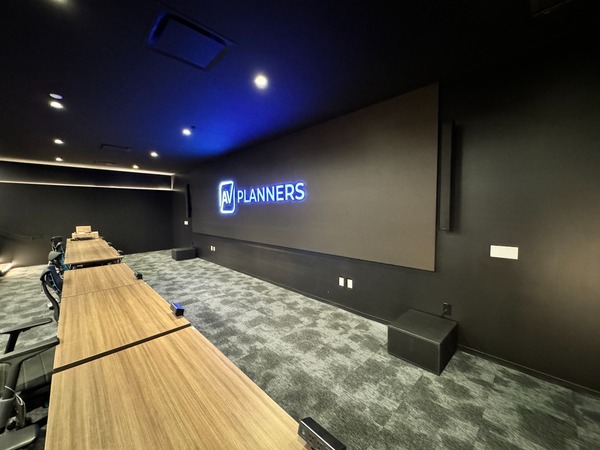

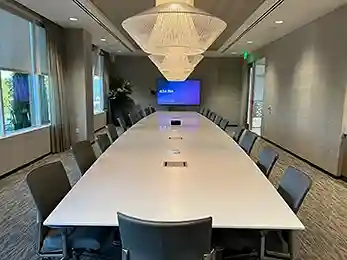
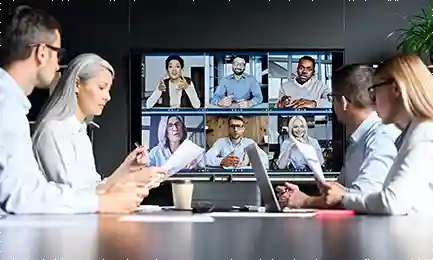
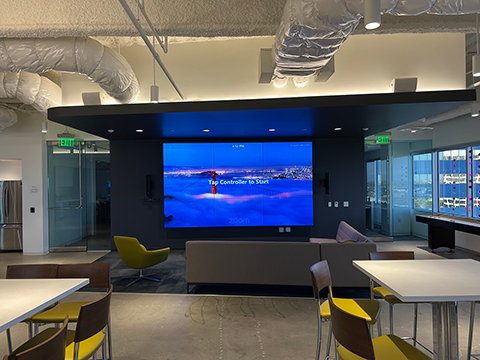
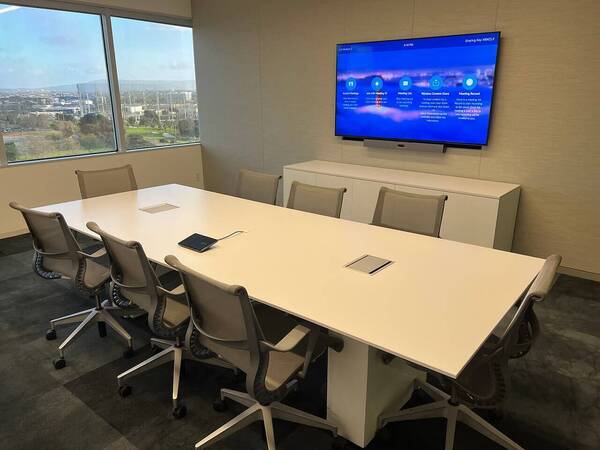
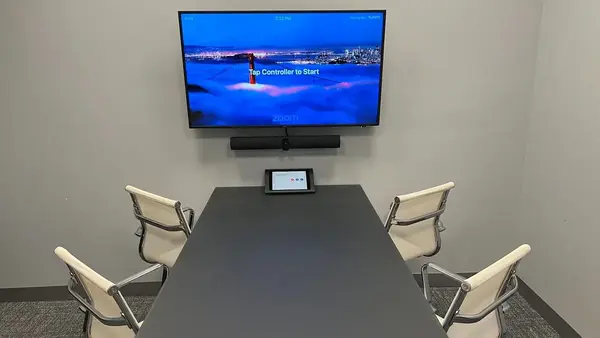
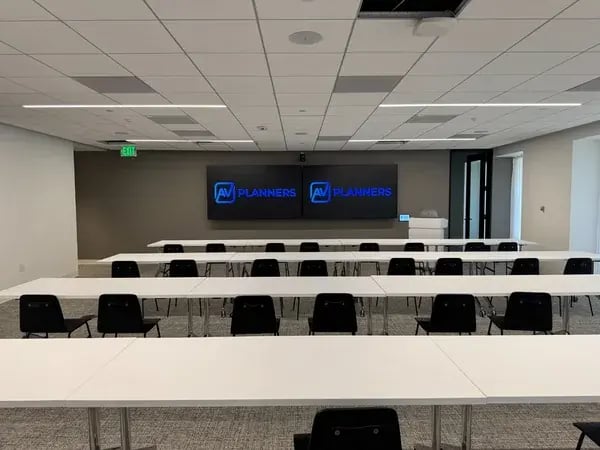
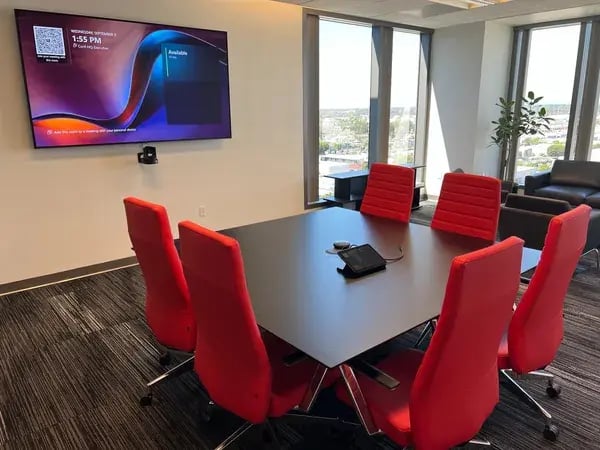
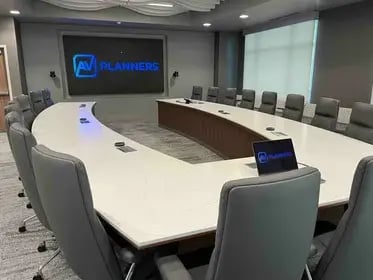
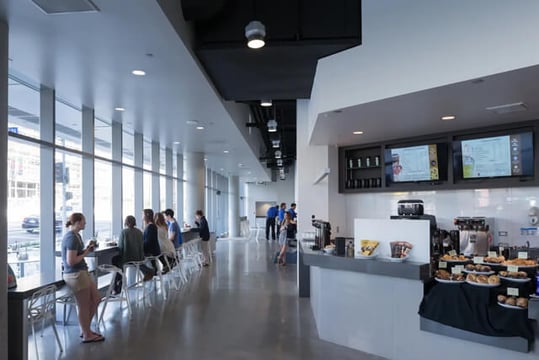
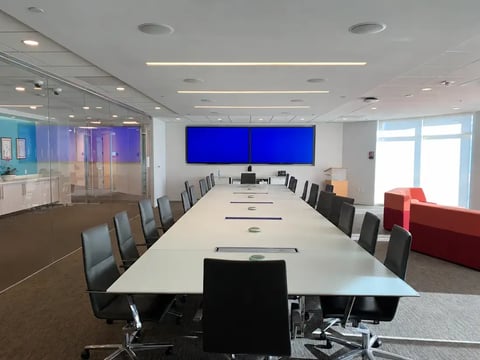

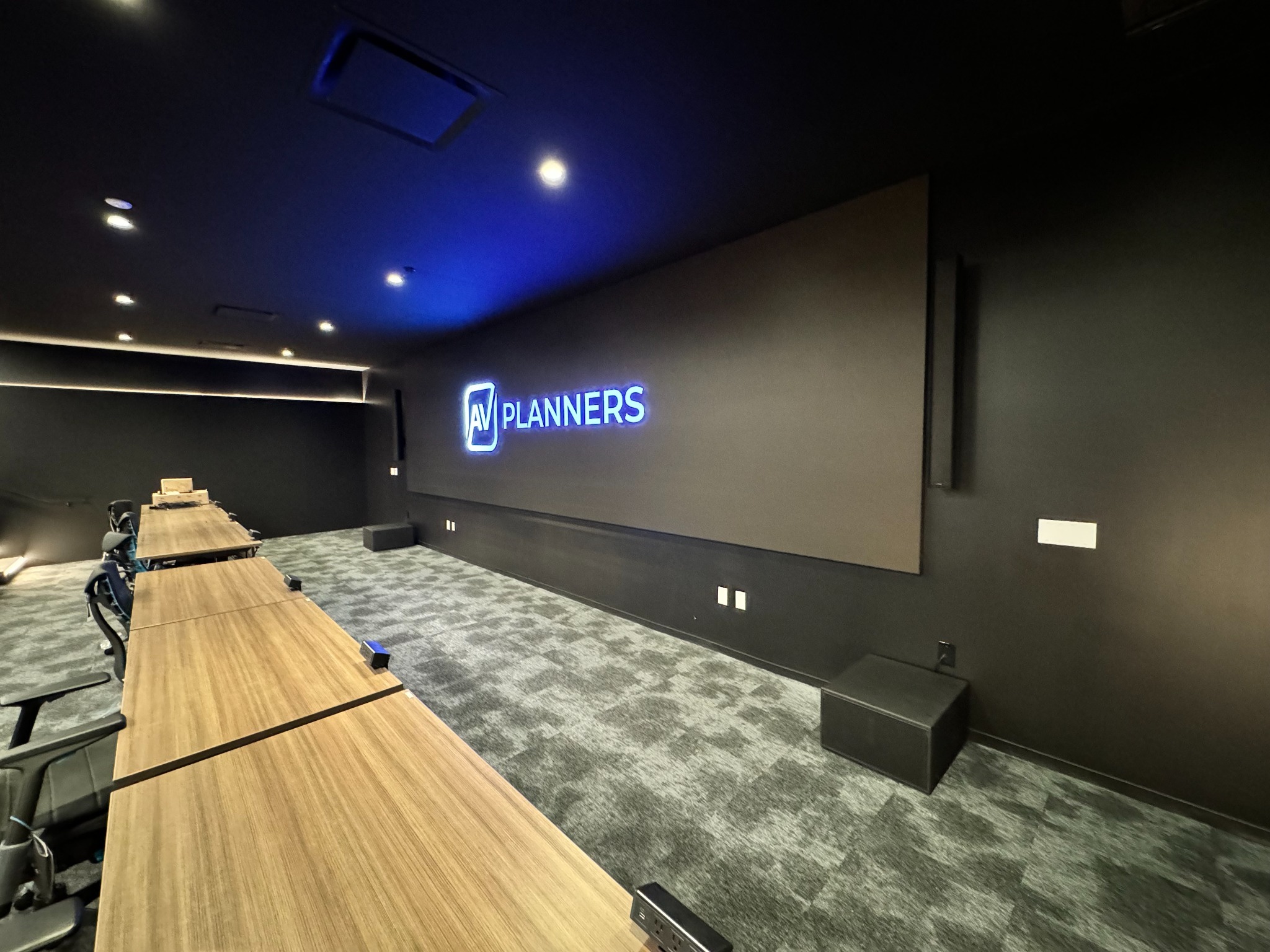
A video wall can become the centerpiece of a corporate lobby, boardroom, or all-hands space. But before choosing a display, there’s a more practical question to answer: What do people need to see, and where will they be viewing it?
A wall showing branded video in a lobby has different requirements from one displaying spreadsheets during a board meeting. Viewing distance, room lighting, content, and everyday operation all influence the design.
To help you get started, AV Planners has created a Video Wall Planning Guide and Interactive Planner. It walks through the early decisions that help shape a successful installation.
Start With Three Questions
Our planner begins with three straightforward questions:
- Where will the display be used? A boardroom, reception area, and training room each have different priorities.
- How close is the nearest viewer? Viewing distance helps frame the discussion about image detail and display technology.
- What will people watch most? Presentations, video meetings, and branding content place different demands on a screen.
Your answers provide a starting point for planning. A final system design requires a closer review of the space, content, and installation conditions.
Do You Need LED, LCD, or One Large Display?
Direct-view LED creates a continuous image without the panel bezels found in an LCD video wall. It can be a strong option for large presentation surfaces and branded environments.
LCD video walls combine multiple displays. Their panel boundaries need to be considered when arranging content, especially text and detailed graphics.
A single large-format display is also worth evaluating. If it provides the image size and readability your room needs, it may meet the requirements without a multi-panel installation.
AV Planners works with solutions from manufacturers including Planar and ROE Visual, helping clients compare options around their application.
Readability Matters From Every Seat
A screen can look impressive up close while leaving people at the back of the room struggling to read a presentation.
For LED walls, pixel pitch—the spacing between neighboring LED pixels—is one factor in image detail. But it needs to be evaluated alongside the display’s physical size, total resolution, and content.
Before selecting equipment, consider the smallest information people need to read. Testing representative slides, spreadsheets, and other content at the intended image size helps make the discussion concrete.
Plan Beyond the Display
A video wall project also needs to account for mounting, structural requirements, electrical capacity, ventilation, cabling, and service access.
For meeting spaces, the display must work with cameras, microphones, speakers, and room controls. For lobbies, someone needs a clear process for creating, scheduling, and updating content.
Training and ongoing support belong in the planning conversation too. The finished system should be easy for your team to use and maintain.
Let’s Discuss Your Space
Whether you’re exploring a new installation or replacing an existing display, our guide can help you prepare for the next conversation.
Explore the Video Wall Planning Guide, then tell us about your space. Photos, approximate dimensions, seating distances, and examples of your content are useful starting points.
AV Planners provides AV design, installation, commissioning, training, and ongoing support in Los Angeles and across Southern California, with support for multi-location projects.
Read our other posts
Commercial vs. Residential AV Integrators: Choosing the Right Partner for Your Business
If you’re upgrading a conference room or opening a new office, you may wonder whether the company that installed...
From Elvis to the Executive Boardroom: 100 Years of Shure Microphones
Few names in professional audio have the history and recognition of Shure. From the unmistakable chrome...
Conference Room Automation: A Guide to Smarter Corporate Meeting Spaces
Modern conference rooms are no longer simply spaces with a display, speakers, and a videoconferencing system....
InfoComm 2026: 5 Q-SYS Innovations Shaping Enterprise Collaboration
InfoComm 2026 once again proved why it remains the premier event for commercial audiovisual technology. While...