

-new.webp?width=389&height=260&name=network-switch-with-cables%20(2)-new.webp)



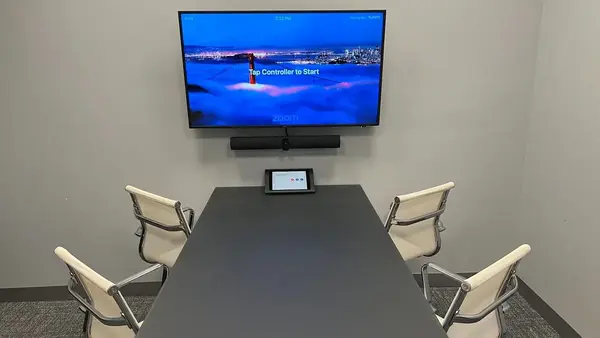

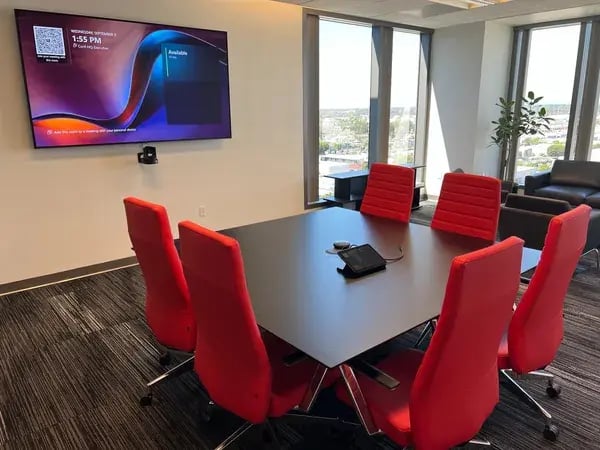

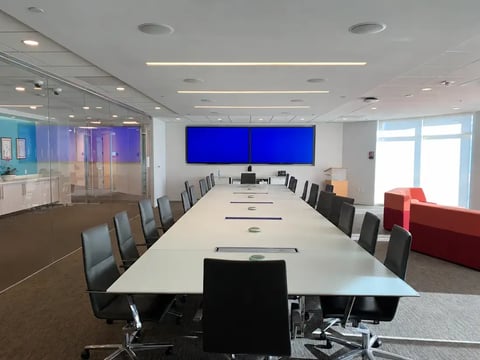

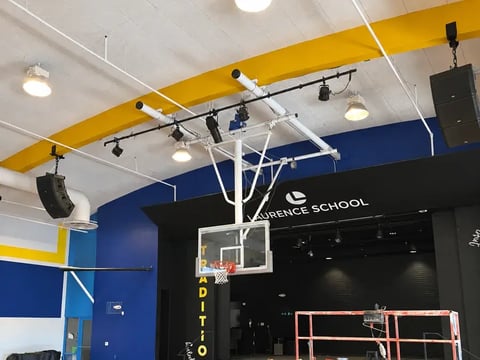
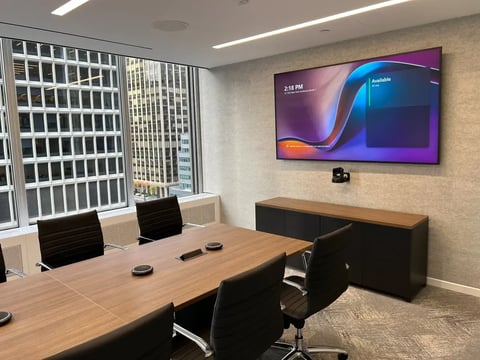
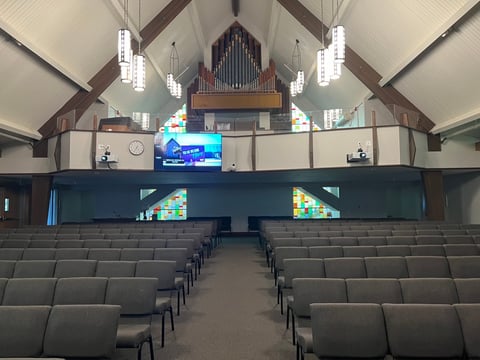


The future of hybrid work involves all sorts of changes to our traditional workspaces, but one of the most key components of this shift is the rise of digital meetings.
Of course, a hybrid work model demands a balance between in-person and digital interaction, which means you may have to get a bit creative when it comes to finding ways to keep everyone involved and engaged.
Fortunately, we’ve got some tips that can help steer you in the right direction.
Breakdown of Equipment Needed for a Hybrid Meeting
Any great hybrid meeting relies on a foundation that’s designed to meet specific needs.
Below are a few things to prioritize as you begin to develop a space for your team:
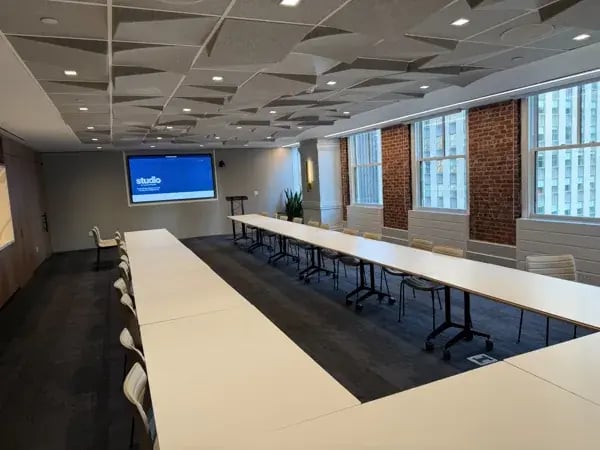
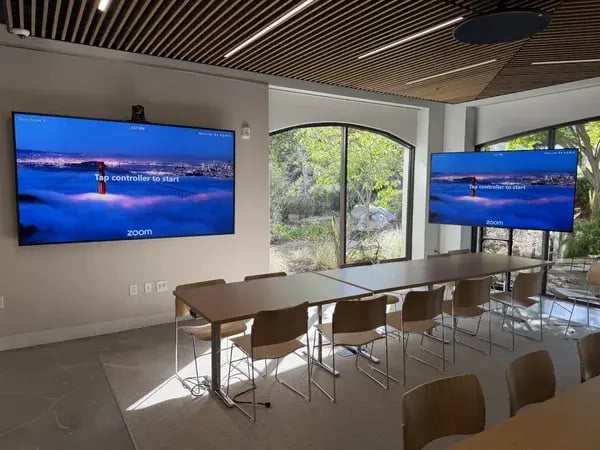
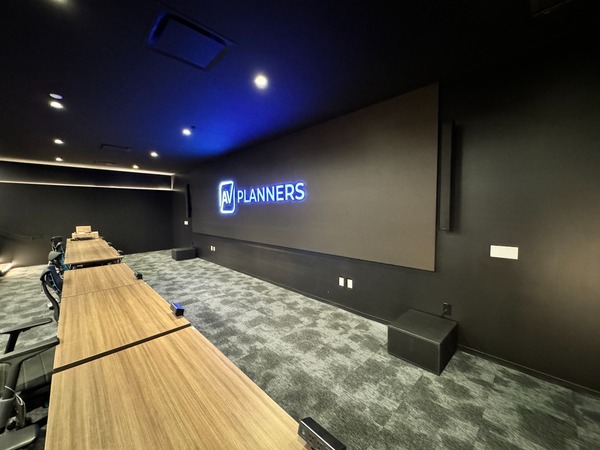
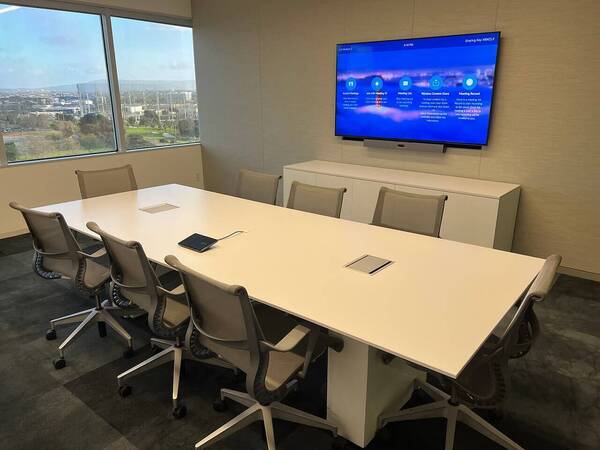
- Digital conferencing tools. It’s no surprise that hybrid meetings typically require the use of some form of video or audio conferencing platforms, but you can take things a step further by incorporating these tools right into your actual workspace. Developing a personalized Zoom Room, Teams Room, or simply a space-optimized to support digital conferencing makes all the difference.
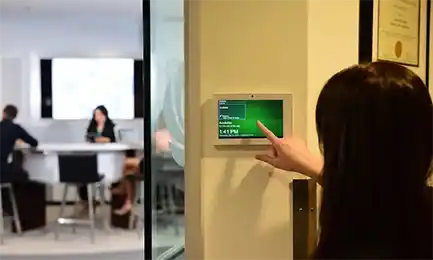
- A collaborative hybrid workspace. Workspaces that have specifically tuned to your organization’s needs will always be the most successful environments to host a hybrid meeting. Things like motion sensors, voice-activated tech, and more can all help you customize your space.
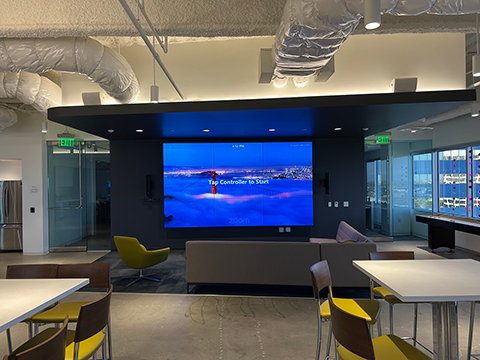
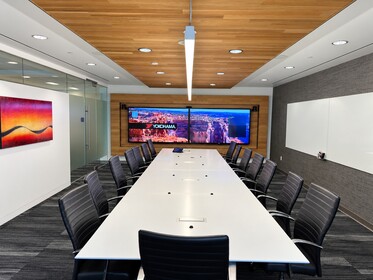
- Quality video displays. Just as important as high-quality cameras are standout video displays. Tools like video walls make it easy to view clear and crisp footage regardless of where you are in the room. Their immersive nature coupled with interactivity makes for a much more engaging hybrid meeting.
- Good acoustics and sound. To be sure that every participant in your hybrid meeting feels included, you’ll need to prioritize the quality of the sound you produce. That means microphones and speakers that can handle the workload and a workspace with acoustics to match your goals.
What Should You Not Do in a Meeting?
Just like we might expect from a traditional, in-person meeting, choices that make it hard to interact with others or feel connected to your peers can be a real mood-killer.
To avoid creating a space that feels tiring, overwhelming, or just plain boring, steer clear of things like:
- Overly-long video or audio calls, especially if they’re mostly one-sided
- Using technology or online tools that are inaccessible for some
- Failing to actively interact with each member of your team
- Relying on poor conferencing, audio, or visual tools that can disrupt or halt your hybrid meetings
How to Get People to Participate in Virtual Meetings
Hybrid, virtual meetings have already become a staple of our modern office strategy, which is much more focused on finding flexible work solutions for everyone, regardless of where they may be.
But, for these work solutions to actually be solutions, they need to be deliberate, thoughtful, and engaging.
So, what can you do to make sure that you’ve created a hybrid space that your team will actually want to work in?
Break the Ice
Collaboration, patience, and a sense of community are all crucial pieces of the hybrid workspace puzzle. In fact, according to figures collected by Forbes, employees who feel their voices are heard are 4.6 times more likely to feel empowered enough to do their best work.
Make sure your organization’s employees feel in touch with others by breaking the ice – that may mean daily check-ins, group bonding or team-building activities, or simply encouraging team members to engage with one another on a personal level.
Keep it Engaging
It may seem to go without saying, but the importance of switching things up and bringing fresh, new ideas to your hybrid meetings can’t be understated.
After all, about 1 in 4 employees who do most or part of their work from home are worn out by constant video calls and online work.
Interactive presentations, group discussions, and creative activities are all examples of ways you might keep things interesting.
Embrace Different Types of Participation
Not all participation has to look (or sound!) the same way and inviting your team members to find solutions that allow them to fully participate in the ways that they are able can go a long way.
Make use of your video conferencing software’s chat features, for instance, or break down your meeting into small, personalized groups to facilitate more one-on-one interaction.
How to Host the Best Hybrid Meetings: Final Thoughts
At AV Planners, we’re well-versed in all of the technological solutions you’ll need to create a space designed for modern collaboration and productivity.
But don’t take our word for it – our proven success stories from clients across a number of industries show that we’ve got the expertise and innovation necessary to set up the ideal hybrid workspace.
Contact us today to learn more about how we can take your team’s work experience to the next level!
Read our other posts
Commercial vs. Residential AV Integrators: Choosing the Right Partner for Your Business
If you’re upgrading a conference room or opening a new office, you may wonder whether the company that installed...
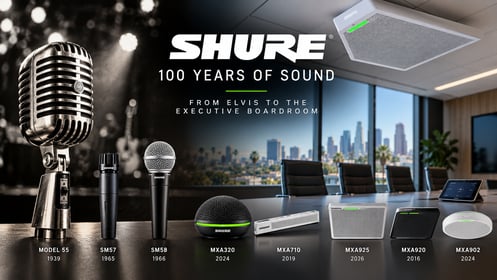
From Elvis to the Executive Boardroom: 100 Years of Shure Microphones
Few names in professional audio have the history and recognition of Shure. From the unmistakable chrome...
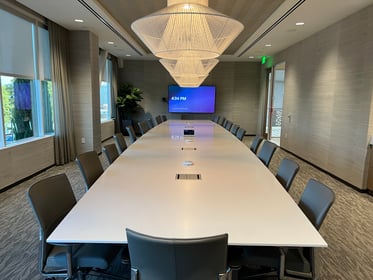
Conference Room Automation: A Guide to Smarter Corporate Meeting Spaces
Modern conference rooms are no longer simply spaces with a display, speakers, and a videoconferencing system....

InfoComm 2026: 5 Q-SYS Innovations Shaping Enterprise Collaboration
InfoComm 2026 once again proved why it remains the premier event for commercial audiovisual technology. While...