



Skip to the main content.
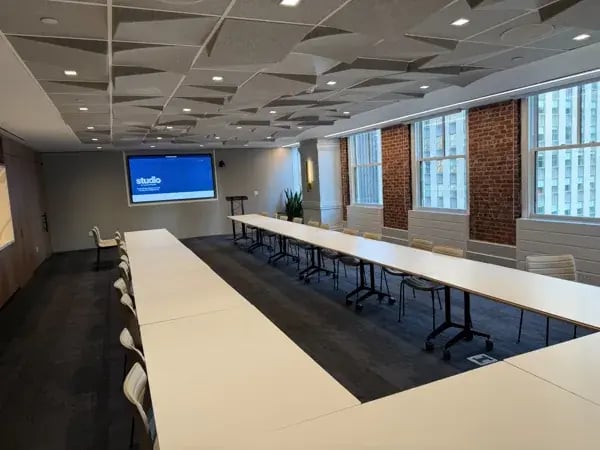
. Ceiling speakers and acoustic panels in a Studio by Tishman Speyer meeting room

Audio & Acoustics

Audio & Acoustics

Speech intelligibility, sound reinforcement and acoustic privacy critical components of a seamless audio system fo...

Learn more
. Healthcare

Engineering & Implementation

Engineering & Implementation

From the initial stages of discovery to the final proposal, procurement, and installation, AV Planners is your...

Learn more
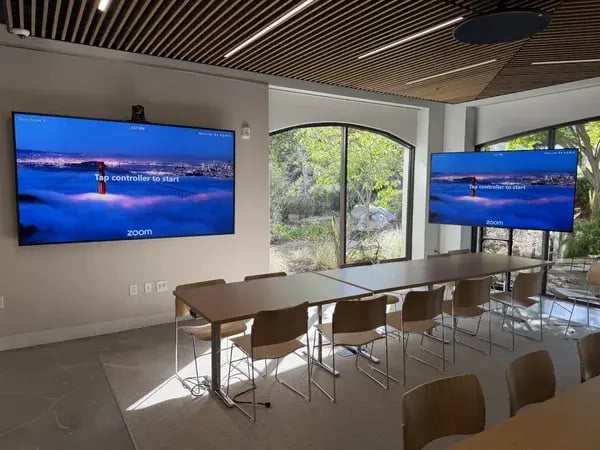
. Dual displays and video conferencing camera in a Sutter Hill Ventures team room

Visuals & Video Conferencing

Visuals & Video Conferencing

Our team will equip your conference rooms, from single displays to expansive video walls, to...

Learn more
. Healthcare

AV Network

AV Network

Our sophisticated network systems allow for real-time monitoring, enabling you to track and address any issues..

Learn more
. Healthcare

Room Automation

Room Automation

Our room automation systems are designed to simplify your daily operations, making it effortless to control various elements within...

Learn more
. Healthcare

Support Services

Support Services

Designed to maintain a system throughout its life span, our managed services include maintenance...

Learn more
. Structured Cabling

Structured Cabling

Structured Cabling

Our team of installers specializes in setting up low-voltage cabling tailored to your needs.

Learn more
. Security Solutions

Security Solutions

Security Solutions

At AV Planners, we pride ourselves on being a leading provider of state-of-the-art audio-visual solutions, but that's not all we do...

Learn more
. AV_Planners_Teams_Room_Hero

Microsoft Teams Rooms

Microsoft Teams Rooms

AV Planners is dedicated to elevating your Microsoft Teams Room experience, particularly during group meetings.

Learn more
. Conference Rooms

Conference Rooms

Conference Rooms

Transform your conference rooms into collaborative hubs that drive innovation and productivity.

Learn more
. Zoom Rooms

Zoom Rooms

Zoom Rooms

AV Planners is committed to enhancing your Zoom Room experience, especially for group meetings.

Learn more
. Multipurpose Spaces

Multipurpose Spaces

Multipurpose Spaces

We understand the versatility and significance of multipurpose rooms in accommodating various activities and events.

Learn more
. Hybrid Workspaces

Hybrid Workspaces

Hybrid Workspaces

Our hybrid workspace solutions ensure that communication remains seamless, whether your team members are in the office, working...

Learn more
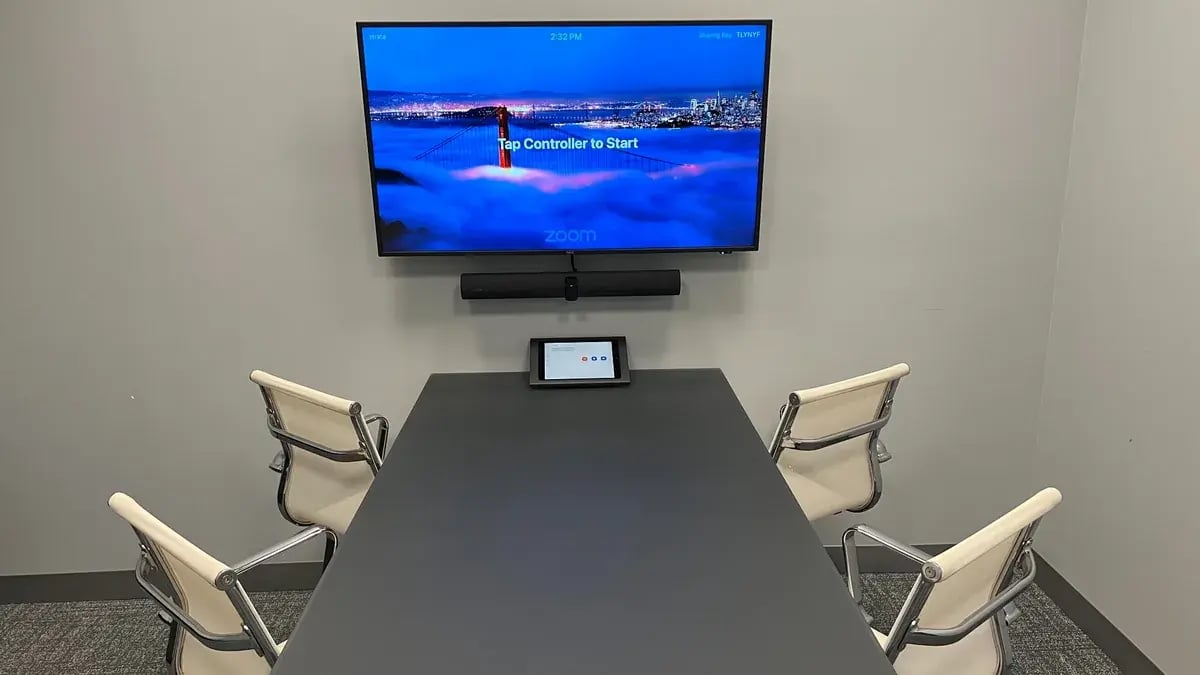
. Huddle room with a Zoom display, video conferencing bar, and tabletop touch controller

Huddle Rooms

Huddle Rooms

Our comprehensive offerings include cutting-edge audiovisual equipment, interactive displays, and high-quality audio systems, all optimized...

Learn more
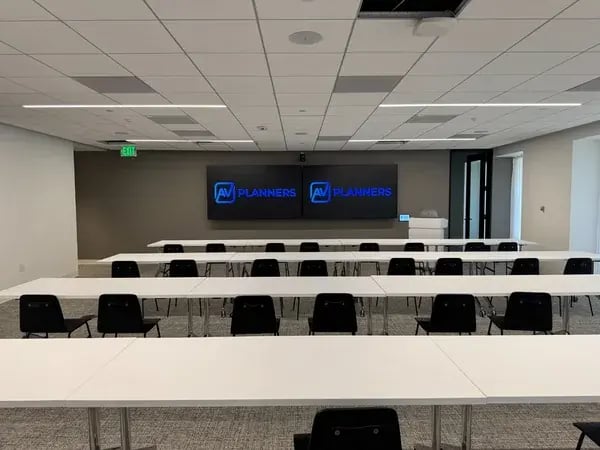
. Training room with dual displays and classroom seating installed by AV Planners

Training Rooms & Classrooms

Training Rooms & Classrooms

Easy-to-use education technology enables online learning for enhanced yet simplified learning experiences.

Learn more
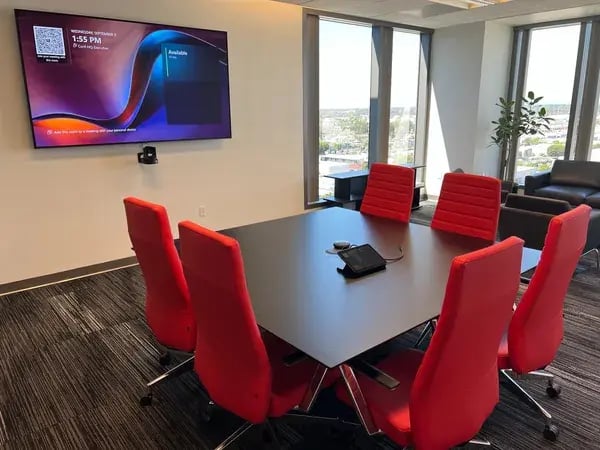
. Office suite meeting room with video conferencing display and red chairs installed by AV Planners

Office Suites

Office Suites

Private office suites create a flexible, multipurpose space for day-to-day operations and virtual or in-person collaboration.

Learn more
  • Home
  • / Blog
  • / Why Your Microsoft Teams Room Has Audio or Video Issues Even with Good Equipment

Why Your Microsoft Teams Room Has Audio or Video Issues Even with Good Equipment

· · Apr 13, 26

If your Microsoft Teams room isn’t peModern conference room with video callrforming the way it should, you’re not alone.
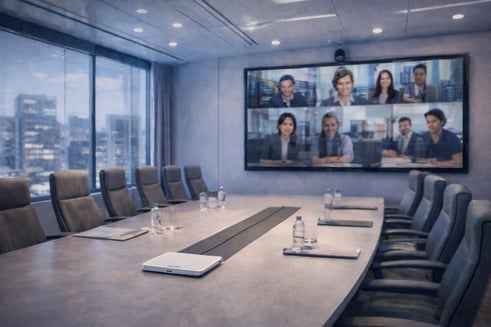
One of the most common frustrations we hear is:
“We invested in good equipment… so why do our meetings still lag, drop audio, or feel off?”

The short answer: it’s not always the hardware.

The Real Problem Most People Miss

Cameras, microphones, and DSP systems matter—but they’re only part of the equation.

Behind every Teams meeting, there’s a layer of processing that controls how audio and video are handled, synced, and delivered. If that layer isn’t optimized, even the best equipment won’t perform the way it should.

This is one of the most overlooked causes of poor meeting experiences.

Common Issues We See

Even in well-built rooms, these problems show up all the time:

  • Audio cutting in and out
  • People talking over each other due to delays
  • Video freezing or lagging
  • Lip sync issues between audio and video
  • Inconsistent performance from one meeting to the next

Sound familiar? These are usually system-level issues, not just equipment problems.

What’s Actually Causing It

Here are the most common reasons your Teams room isn’t performing:

1. Network Limitations

Even small dips in bandwidth or unstable connections can impact call quality.

Teams relies heavily on consistent, real-time data flow. If the network isn’t dialed in, performance suffers—fast.

2. Media Processing (MPR)

Microsoft Teams uses a backend system to process audio and video during meetings.

If too many streams are being handled, or the environment isn’t designed properly, you’ll start to see delays, dropouts, and lag—even if everything in the room looks right.

3. Room Design

Large rooms, multiple cameras, and ceiling microphones add complexity.

Without the right design approach, systems can:

  • Over-process audio
  • Struggle to switch video sources cleanly
  • Introduce delays between participants

Why “Good Equipment” Isn’t Enough

It’s easy to assume that upgrading hardware will fix everything.

But the reality is:

Performance comes from how everything works together—not just what you install.

You can have:

  • High-end microphones
  • Intelligent cameras
  • A solid DSP platform

…and still have a poor meeting experience if the system isn’t properly designed and tuned for Teams.

What a Well-Performing Teams Room Looks Like

When everything is dialed in:

  • Audio is clear and consistent
  • Video switches smoothly between speakers
  • There’s no noticeable delay
  • Meetings feel natural, even with remote participants

That’s the goal—and it’s achievable with the right approach.

Let’s Take a Look at Your Rooms

If your Teams meetings aren’t performing the way they should, there’s usually a reason—and it’s fixable.

AV Planners works with IT teams and facilities managers to identify the causes of performance issues and how to improve them—across hardware, networks, and platforms.

Reach out to schedule a quick discovery call or room assessment:
Read our other posts

From Elvis to the Executive Boardroom: 100 Years of Shure Microphones
29 September 2026

From Elvis to the Executive Boardroom: 100 Years of Shure Microphones

Few names in professional audio have the history and recognition of Shure. From the unmistakable chrome...
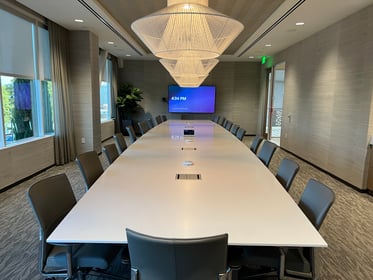
Los Angeles Board Room installed and designed by AV Planners
17 September 2026

Conference Room Automation: A Guide to Smarter Corporate Meeting Spaces

Modern conference rooms are no longer simply spaces with a display, speakers, and a videoconferencing system....
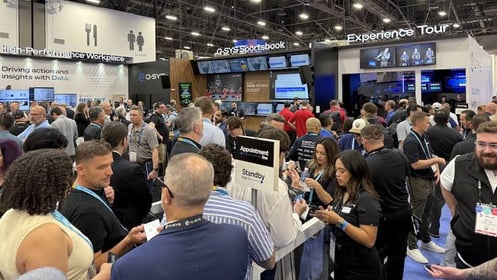
Infocomm 2026 at QSC booth
16 July 2026

InfoComm 2026: 5 Q-SYS Innovations Shaping Enterprise Collaboration

InfoComm 2026 once again proved why it remains the premier event for commercial audiovisual technology. While...
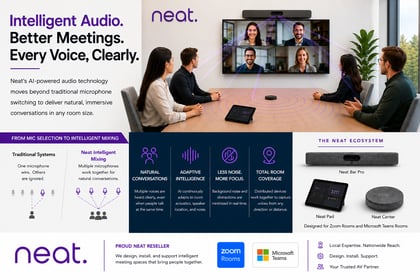
How Neat Improves Conference Room Audio for AI Workplaces
26 May 2026

How Neat Improves Conference Room Audio for AI Workplaces

As hybrid work continues to evolve, organizations are rethinking what makes a great meeting experience. While...

Get In Touch

Get Closer To Your
Goal Now

Schedule a consultation for cost and timeframe details.

Call Us Now

213-493-6473

Our Location

183 North Martel Ave
Suite 230
Los Angeles, CA 90036

Email

info@avplanners.com